
How to Search Cases by Name
Party name is a search field the clerk itself names. The official Columbia Clerk case-information page lists it for Superior Court lookups. Open the public docket link there and pick Civil Search or Criminal Search. Because one name can pull up several people and court levels, check the category, judge, case number, and proceeding history before trusting the match.
- Choose the court level before entering the name. Superior, Magistrate, Probate, Juvenile, Grovetown, and Harlem records do not share one public index.
- Select Civil Search for a Superior civil or domestic matter, or Criminal Search for Superior felony and misdemeanor material.
- Enter the party name as accurately as possible. The Superior portal does not document a single official wildcard rule, so do not promise one.
- Use judge name, case number, or CSE number to narrow a list when the portal offers those fields.
- Expand the plus sign beside a case number and compare the proceeding history with the court and case type.
A name match is a lead. It is not a final answer. The result may list case events but skip some documents entirely. When nothing comes back, test the court level and the spelling of the name before concluding no record exists.
| Search choice | Best use | Follow-up |
|---|---|---|
| Party name | Starting point when no number is known | Confirm court, role, judge, and case type |
| Judge name | Narrow a known court assignment | Compare with the current judge calendar |
| CSE number | Use the separate identifier listed by the clerk | Keep it distinct from the case number |
Columbia County Case Search Modes
Columbia's public portal splits Civil Search from Criminal Search because the fields differ. Civil results can show plaintiff, defendant, case type, and proceeding history. Criminal results can show charges, attorneys, and history. Never move a name between modes without checking the court and the case number first.
The legacy Columbia Clerk docket portal opens with a disclaimer and a session screen. It can loop without loading. An empty or unstable display is not a dead end. Retry the case-information link, use a terminal at the courthouse, or call 706-312-7139.
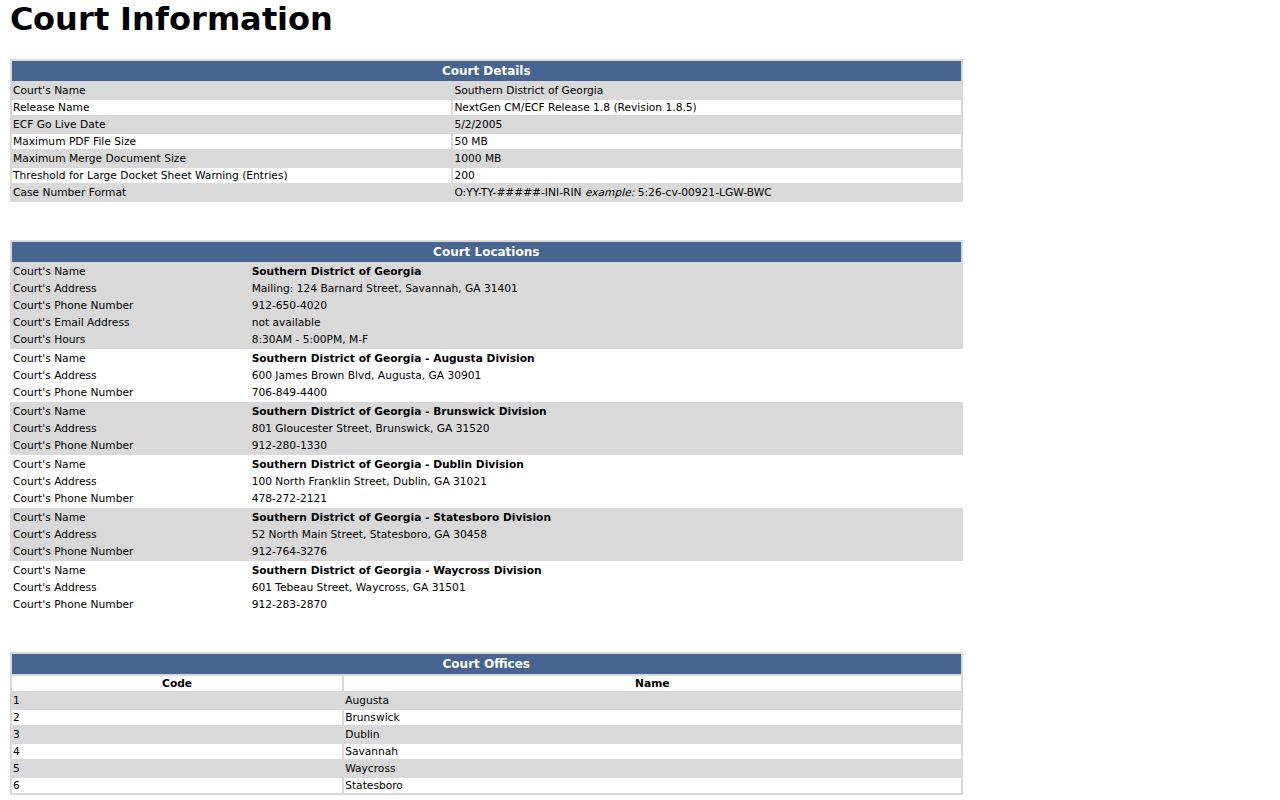
That federal information page is a state of a different system, not the county portal. Begin with the correct court rather than a form that looks familiar.
How to Search by Case Number
A case number is usually the cleanest search key. Its format still depends on the court that issued it. Superior accepts a number without publishing one pattern for every category. So keep it exactly as printed. Choose the matching Civil or Criminal mode. Note the court and judge alongside it. Magistrate, by contrast, publishes sample numbers. Pre-2009 examples include 2008SCG001234 and 2007SCD000123. Numbers from 2009 and later look like 2009SCG100 and 2009SCS1234. None of those formulas work for Superior. If a number fails, look for a dropped year, letter, or zero. Do not guess a format. The Magistrate instructions also cover Party search and offer 706-868-3316.
Columbia County Case Numbers
Magistrate records are a common source of false no-hits. Dispossessories, garnishments, county ordinance cases, warrants, and claims up to $15,000 may never touch Superior Court. Use Civil Case Records. Choose Case when you have a number. Choose Party when you do not. For a Party search, the county wants three letters plus an asterisk for each name. Type something like Jon* or Mic*. That wildcard trick belongs to Magistrate, not to the less-documented Superior portal. When a Magistrate match appears, check its court, case type, filing date, and history. An appeal from a lower court can also spawn a related Superior or appellate number.
What a Case Search Shows
A public result indexes the court activity on a case. You may see the case number, parties, charge or cause, judge, filing date, settings, orders, disposition, judgment, appeal, or full history. Fields vary by court and case type. Rules 39.2 and 39.3 set out the civil and criminal schemas. Even so, the screen may show less.
| Case number | Unique action or case identifier assigned by the court clerk. |
|---|---|
| Party or defendant | Names and roles associated with the civil action or criminal case. |
| Case type or count | Civil cause of action, criminal count, felony or misdemeanor classification, or other docket category. |
| Filing date | Date the complaint, indictment, accusation, or other initiating record entered the docket. |
| Proceeding history | Chronological entries for filings, settings, motions, orders, disposition, sentence, or appeal. |
| Judge and attorneys | Assigned judge and counsel fields when returned by the public search. |
| Disposition and appeal | Outcome entries and later notice-of-appeal or remittitur cross-references. |
A charge is only an allegation, never a conviction. A plea does not automatically equal a disposition. A calendar label is not a ruling either. The later entry, judgment, or order tells you the result. Rule 39.3 can list sentence conditions, costs, fines, restitution, warrant events, transcripts, and storage references. Even so, a summary does not guarantee an online document.
Columbia County Case Search Inputs
The clerk names four fields: Case Number, Party Name, Judge Name, and CSE Number. Work them in that order when you can. Try the number first, add a name when needed, narrow by judge, and treat CSE as its own identifier.
| Input | When it helps | Care point |
|---|---|---|
| Case Number | Known case or action number | Do not change the court's printed format |
| Party Name | Unknown number, known person or organization | Verify role and court category |
| Judge Name | Several possible results | Assignments and calendars can change |
| CSE Number | Clerk-described alternate key | No public definition was supplied in the capture |
A plus sign expands the proceeding history. Civil Search, Criminal Search, New Search, and an I Agree notice are all part of the official workflow.
County vs Statewide Case Search
Georgia offers no single free statewide name search that covers Columbia cases. The Georgia Courts E-Access directory maps each court to its provider, and Columbia Superior points to PeachCourt, whose access page requires an account. For a free first stop, the county portal remains the practical choice.
| Route | What it is | Access expectation |
|---|---|---|
| Columbia Clerk portal | County-facing civil and criminal docket display | Public lead, county disclaimer, no guarantee of images |
| Georgia Courts E-Access | Directory of providers and court connections | Not one statewide case search |
| PeachCourt | Superior e-filing and court-document provider | Registered email and password access |
| PACER | Federal case locator and document access | Account-based federal search and charges |
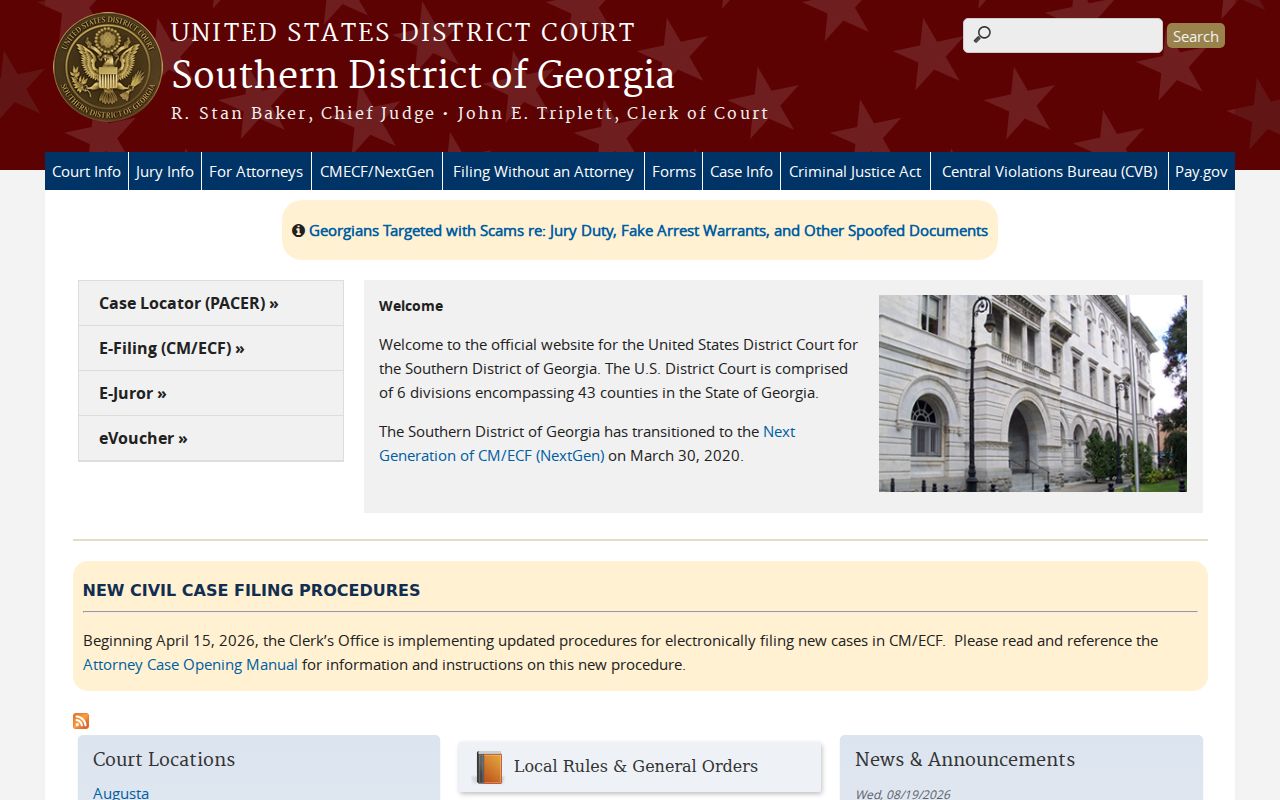
The Southern District page represents a separate federal layer. Federal matters do not belong in the county clerk portal.
Columbia County Case Search Calendar Cross-Check
A case search can show a future setting yet miss a later calendar change. Write down the case number and judge. Then compare the proceeding history against the Clerk archive and the current judge calendar, since revised files and addenda can replace an earlier list. A calendar is also not a disposition. Labels like arraignment, motion, sentencing, revocation, and calendar call describe planned work. The docket entry or order supplies the result. For local checks, use the Columbia County Court Dates page.
Columbia County Case Search Providers
PeachCourt is the provider route for Columbia Superior civil and criminal e-filing and related documents. Its screen asks for an email, password, registration, and recovery controls. That is different from the clerk's public case-information display. Both routes can be needed for one case. The clerk still keeps the case file, certified copies, calendars, and answers to records questions. Is a document missing from the free result? Ask about a registered provider, eCertification, the counter, mail, or another authorized channel.
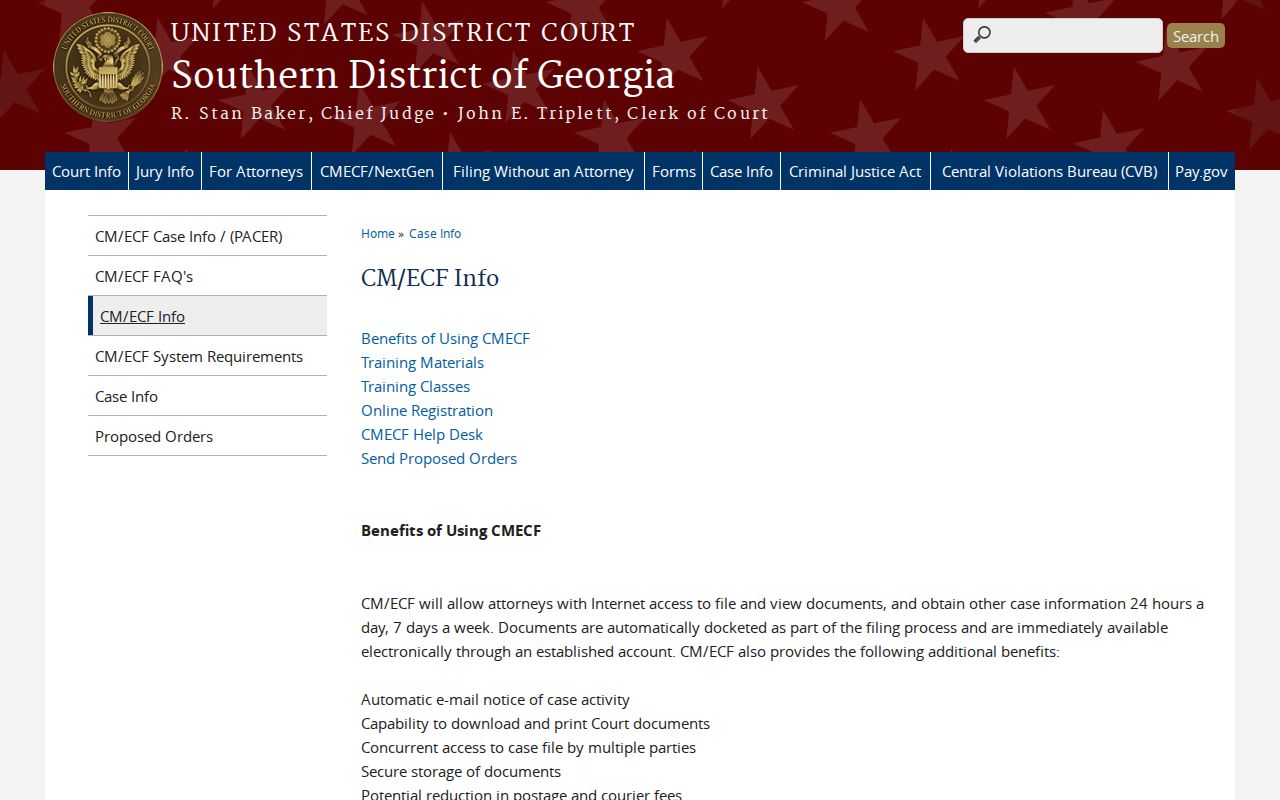
The CM/ECF screen is another provider access state. It is not a substitute for local custody or a statewide public search.
Restricted Cases and Access Rules
Access starts wide under Rule 21. Yet pieces of a court record can still be closed. A blank result in a Columbia County docket search may reflect any of several conditions. Protected identifiers, family-violence or stalking information, sealed exhibits, an adoption, a juvenile matter, a filing in the wrong court, older paper records, or an outage could all be the cause. Some entries split into two versions. Rule 21.6 describes a redacted public copy alongside a sealed unredacted one. Adoptions stay sealed unless a court orders otherwise under Rule 39.6. Juvenile Court takes a separate path entirely. So never send juvenile names through the adult portal. An index entry does not override a sealing order.
When access stops: save the court and case number, ask the relevant clerk for the public portion or the order limiting access, and request the exact legal basis for a denial. Do not use a second provider to bypass a restriction.
Georgia's open-records guidance helps with timing and denials, but Columbia County sends court-file requests straight to the clerk as custodian. Even a proper request won't unlock a sealed, juvenile, adoption, or protected page in the court docket.
Columbia County Older Case Search
An older Columbia County case may sit in paper, microfilm, or off-site storage. The online docket search can still work fine. Give the clerk the case number and filing year. If you only have a name, offer the court level and case type instead. The Evans terminal and counter make good fallbacks, and Appling keeps its own Tuesday schedule. Need a document? Use the clerk's court record request route and ask whether plain, certified, or exemplified copies fit your case lookup needs.
Columbia County Case Search Fallback
A docket search that returns nothing usually means a detail is off. Check the court level, the name spelling, and any punctuation in the case number. Make sure you searched Civil rather than Criminal mode. Then ask which court actually holds the file. It could be Magistrate, Probate, Juvenile, Grovetown, or Harlem. City citations never show up under Superior, and county traffic tickets run through Probate.
- Read the portal disclaimer and note whether the screen loaded the intended search mode.
- Try the clerk's case-information page and the exact case number if one is known.
- Use the proper lower-court clerk or the Magistrate case and party instructions.
- Call 706-312-7139 or visit the Evans public terminal for an older, stored, or restricted file question.
- For a document, request a plain, certified, or exemplified copy instead of relying on an index line.
A judge's calendar can confirm a current court date, yet it is no stand-in for the case file itself. If a session keeps looping, or a record is older than the electronic view, turn to the county terminal or the counter.
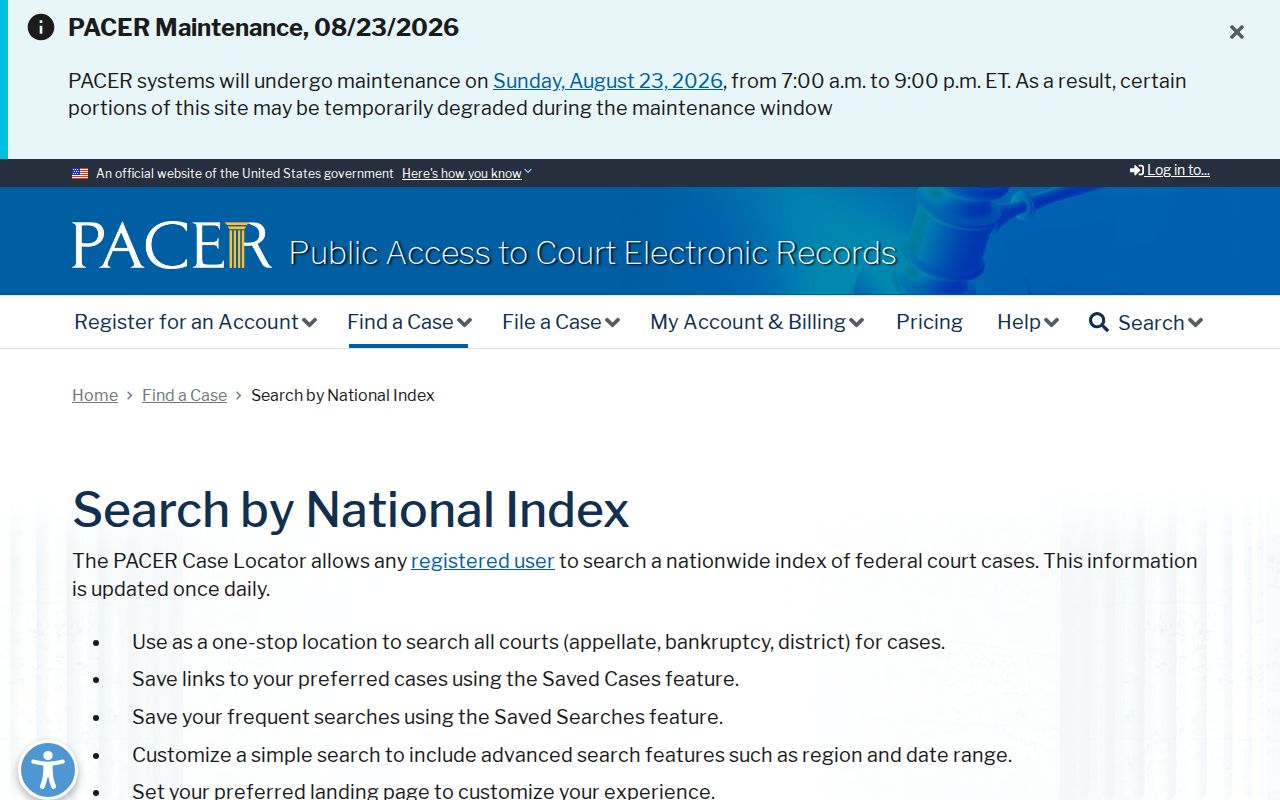
PACER covers federal court records and nothing at the county level. Columbia County sits in the Southern District of Georgia, Augusta Division. So a federal match there belongs to PACER or the federal court, not the Columbia County clerk.
Columbia County Federal Case Search
Federal Columbia dockets live with the U.S. District Court for the Southern District of Georgia, Augusta Division. Its site names CM/ECF and places the Augusta courthouse at 600 James Brown Boulevard. The PACER locator updates daily. An account is required.
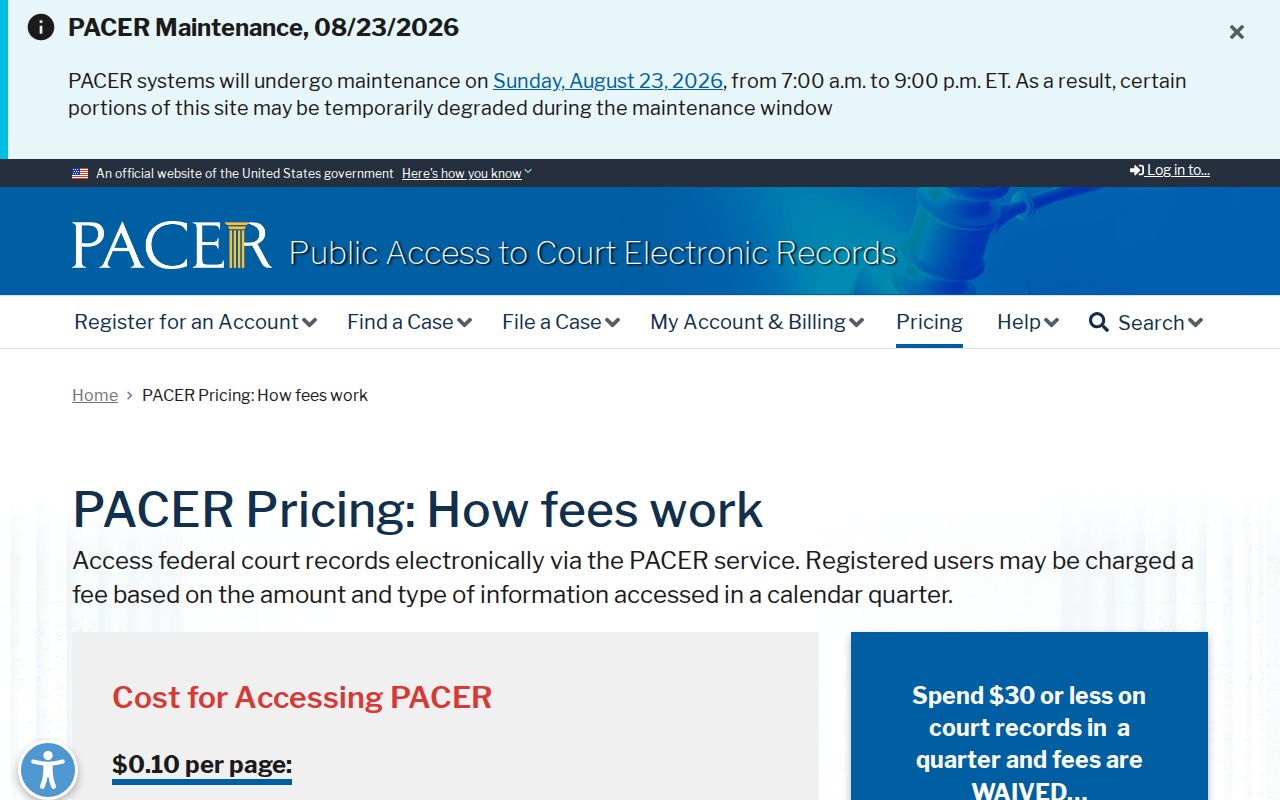
County fees do not apply here. PACER charges $0.10 per page, caps a single document at $3, and waives charges of $30 or less each quarter. One caution: a search can cost money even when no case matches. Save PACER for federal dockets only.
The federal layer is separate. County, Probate, Magistrate, and municipal records stay with the local Columbia County offices that hold them.